Click

 Then
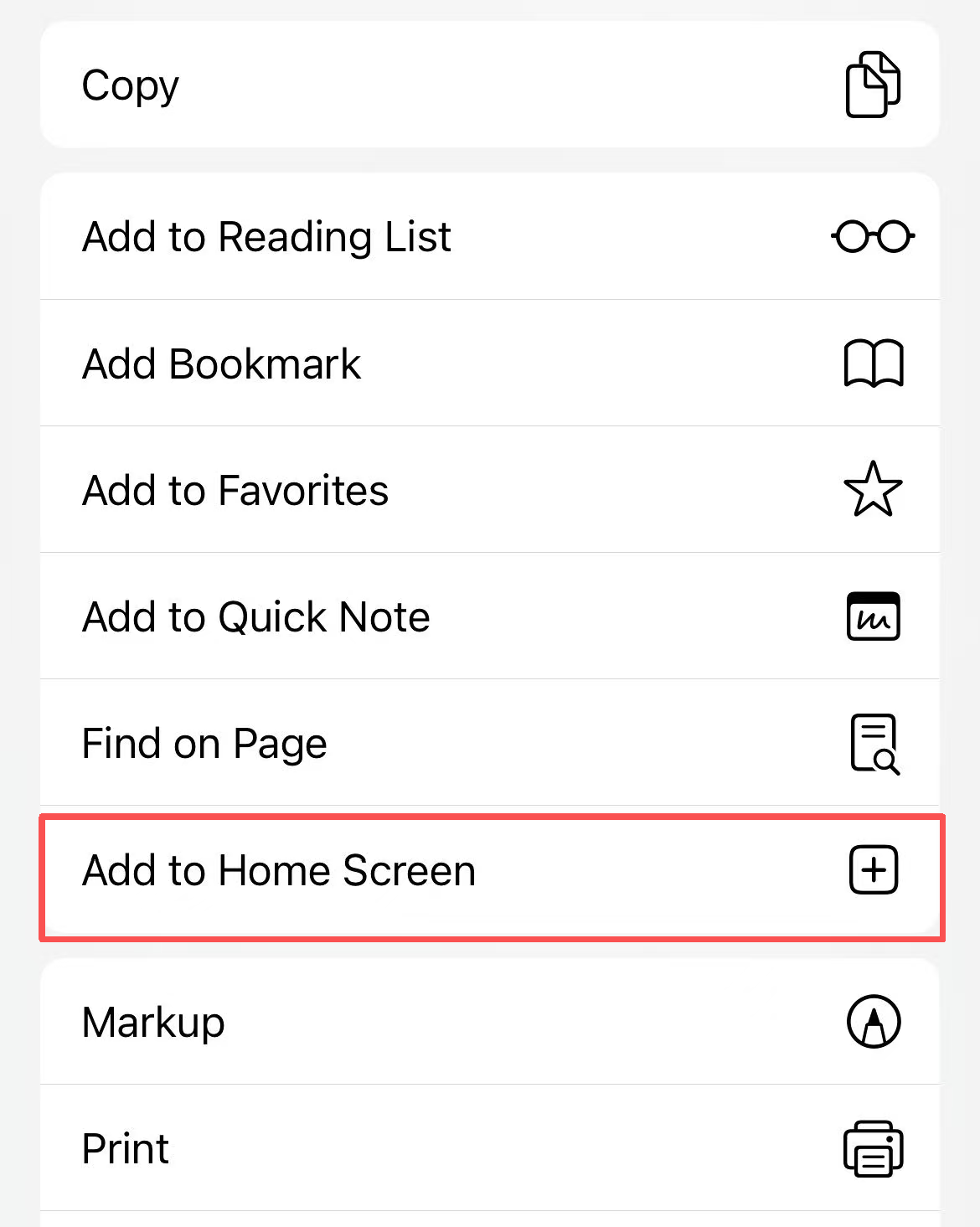
Share → Add to Home Screen
Then
Share → Add to Home Screen
Please confirm that you are currently using the Safari browser that comes pre-installed on your iPhone or iPad.

Tap the share icon at the bottom center (or top right) of Safari.
Scroll down the menu, find and click on that option.
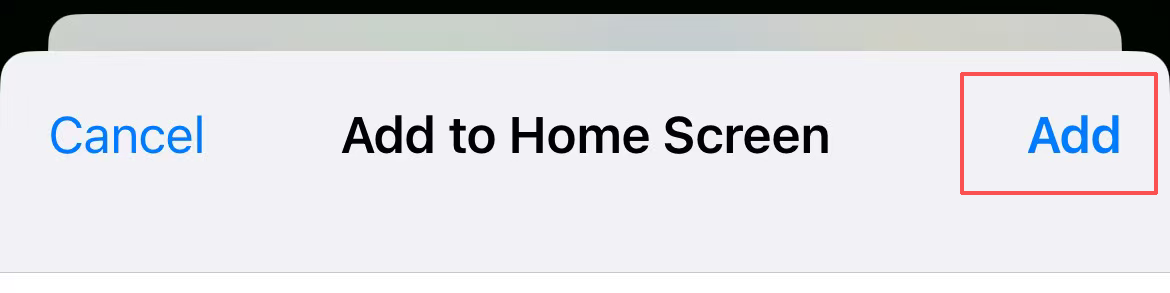
You can modify the name, then click "Add" in the upper right corner to finish.
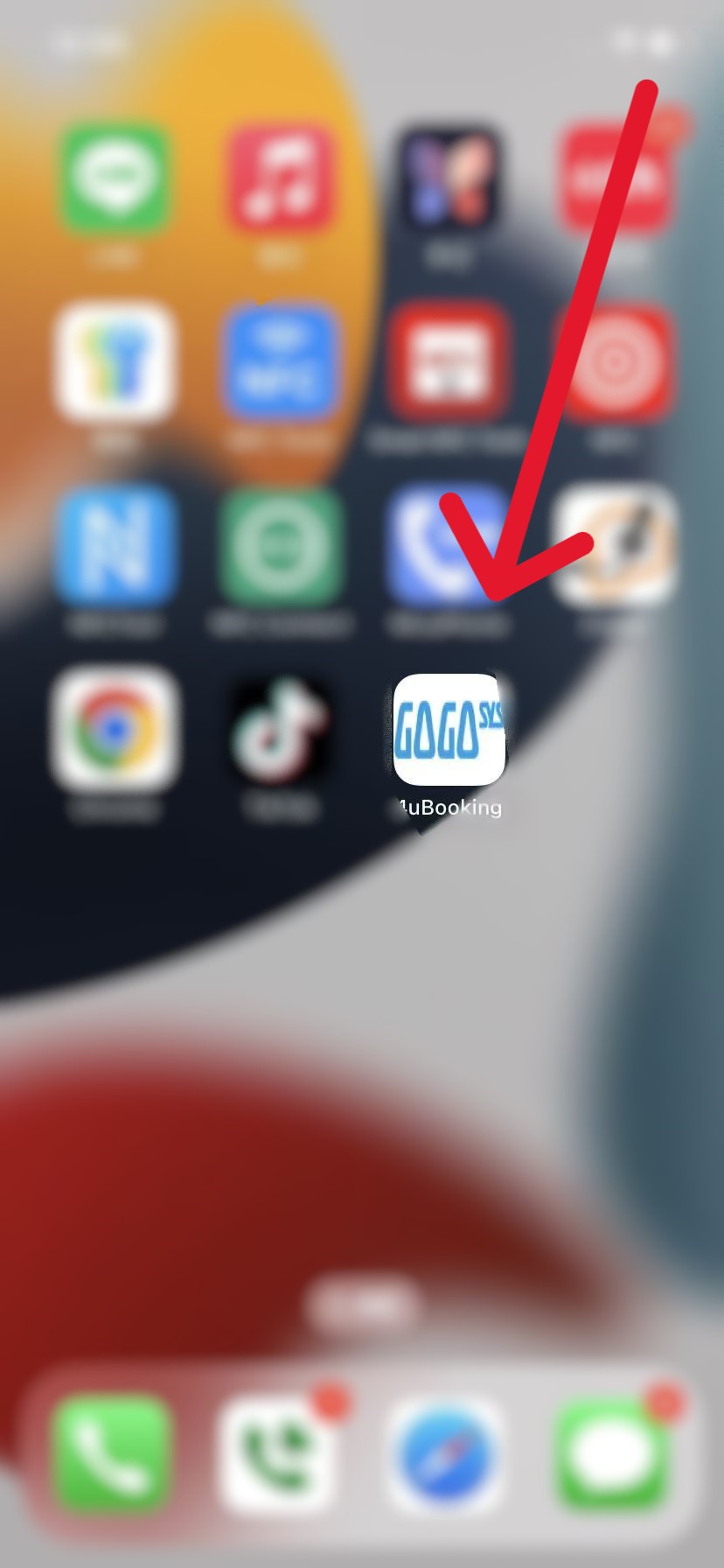
You can now click this icon to enter.